Introduction to Computational Communication
1. Landing 🛬
1.1 Sharpen your tools 🧰
Welcome! This class will teach you about different tools and languages used to create software and websites. Don’t worry if you’ve never coded before – you don’t need any prior experience! We’ll take it slow and learn together, looking at examples line by line.
In Mandarin, we have a saying “工欲善其事,必先利其器” literally, “If a workman wishes to do a good job, he must first sharpen his tools.”
There are two main ways we’ll install software in this class.
-
Using Installer Files: Some software comes in simple packages you can double-click, like
.pkgfiles for macOS or.exefiles for Windows. -
Using the Command Line: Other software needs to be installed using a tool called the Terminal (on macOS) or Command Prompt (cmd) or PowerShell (on Windows).
GitHub
- Use your university .edu email and register GitHub Student Developer Pack
- Download GitHub Desktop
Python
- Install Python Environment
- Install one of Python IDE (Integrated development environment)
R Project for Statistical Computing
- Install R Environment
- R IDE RStudio
JavaScripts Environment
OMG, there is more?!?!
Node.js is an environment that allows you to build a dynamic website, and npm is the Node Package Manager, which allows you to download programs or modules someone already built. Save your time.

1.2 Why this many tools?
import { Card } from ‘@astrojs/starlight/components’;
import { CardGrid } from ‘@astrojs/starlight/components’;
Rich ecosystem of plugins and libraries.
Web Scraping, using API
Natural Language Processing NLP
Machine Learning
Automation
Statistical analysis
Process huge amounts of data without crash
BEST data visualization ggplot2
Your Academic publication friend
1.3 Create your own journal website for this class
import { Tabs, TabItem } from ‘@astrojs/starlight/components’;
1. Install Git
Open Terminal Install brew
/bin/bash -c "$(curl -fsSL https://raw.githubusercontent.com/Homebrew/install/HEAD/install.sh)"Install Git
brew install gitIf you have Windows 11, Open PowerShell
` winget install --id Git.Git -e --source winget `2. Install Quartz4
In your Terminal or PowerShell, enter the commands line by line
git clone https://github.com/jackyzha0/quartz.gitcd quartznpm inpx quartz create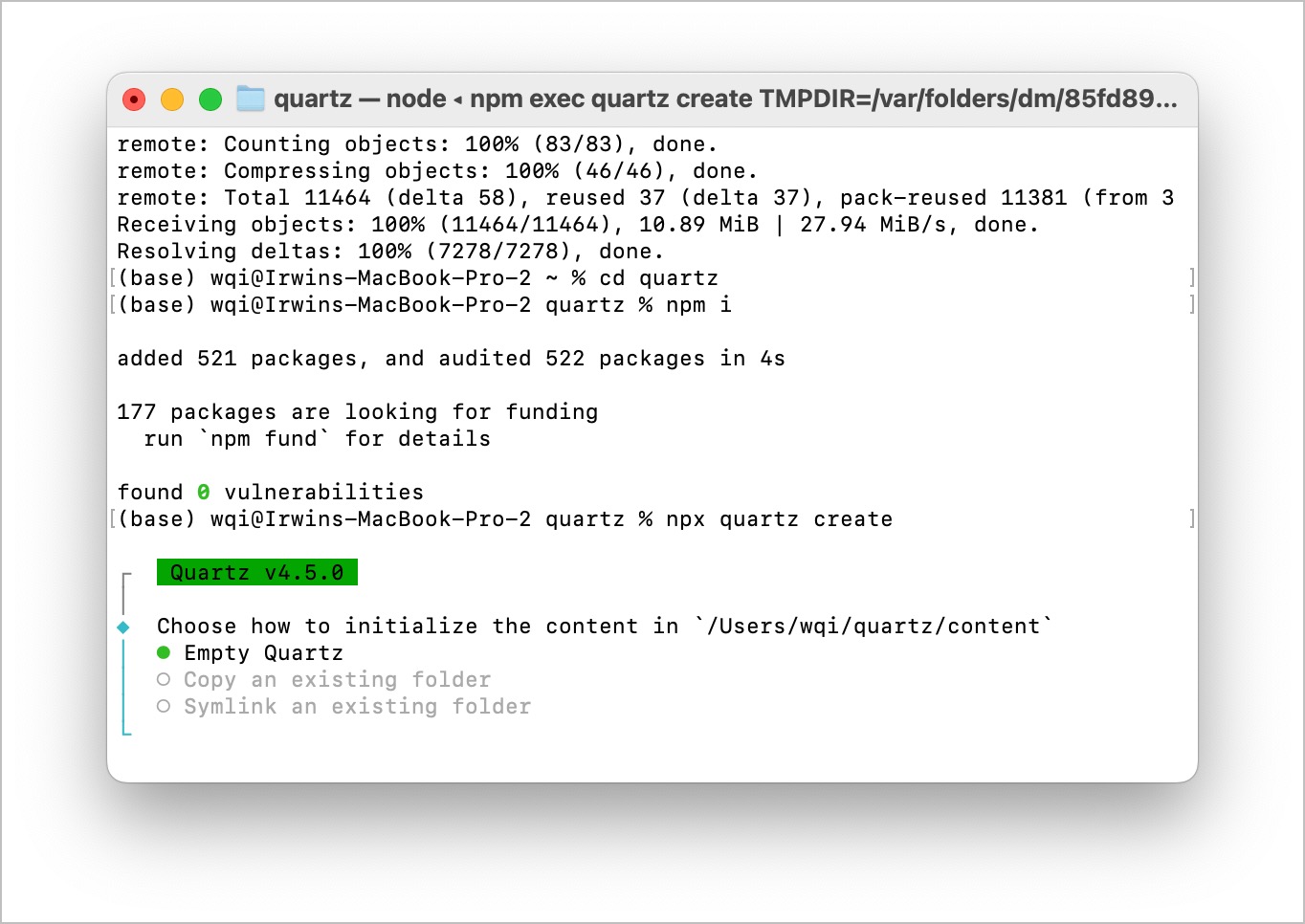
3. Create a new repository on GitHub.com
Make sure you login on your GitHub Desktop App. Click GitHub - Install Command Line Tool
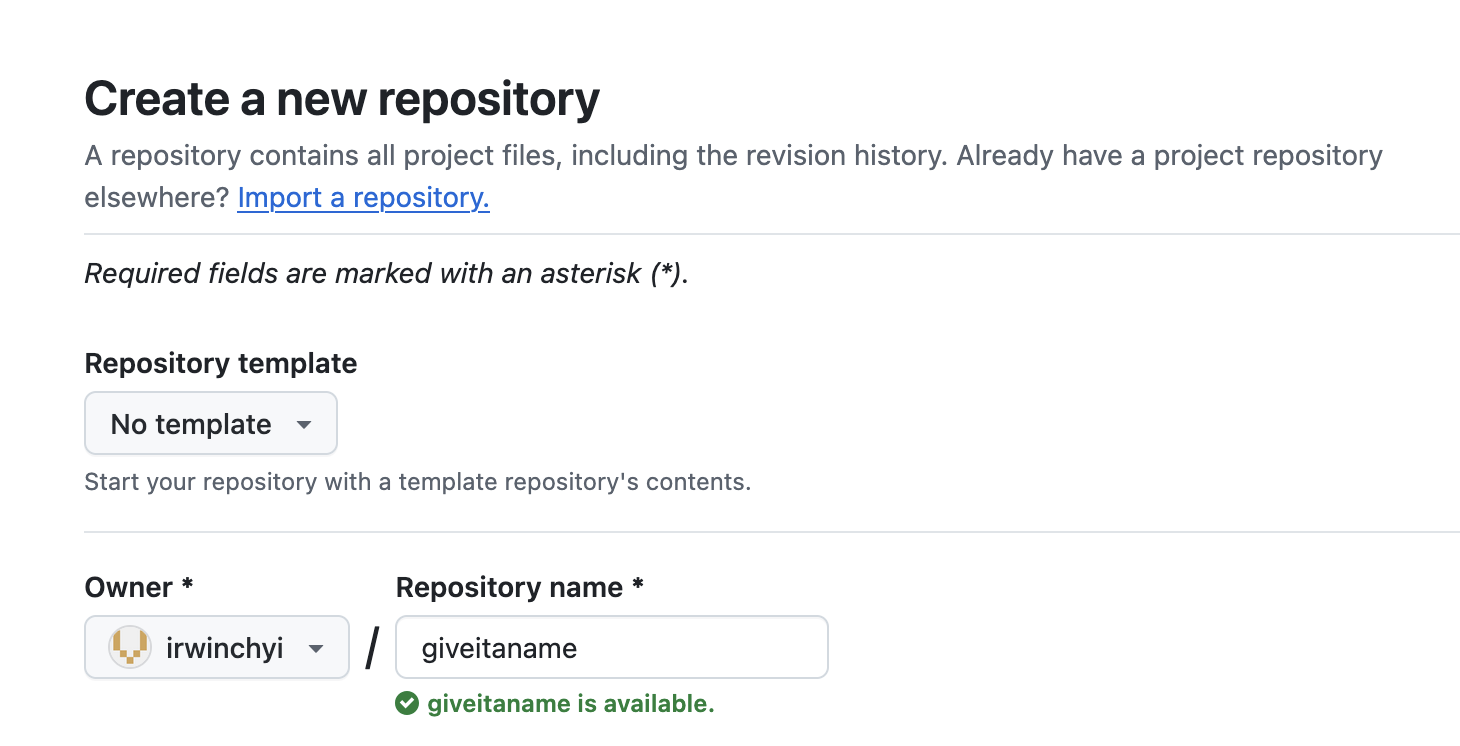
Copy your url
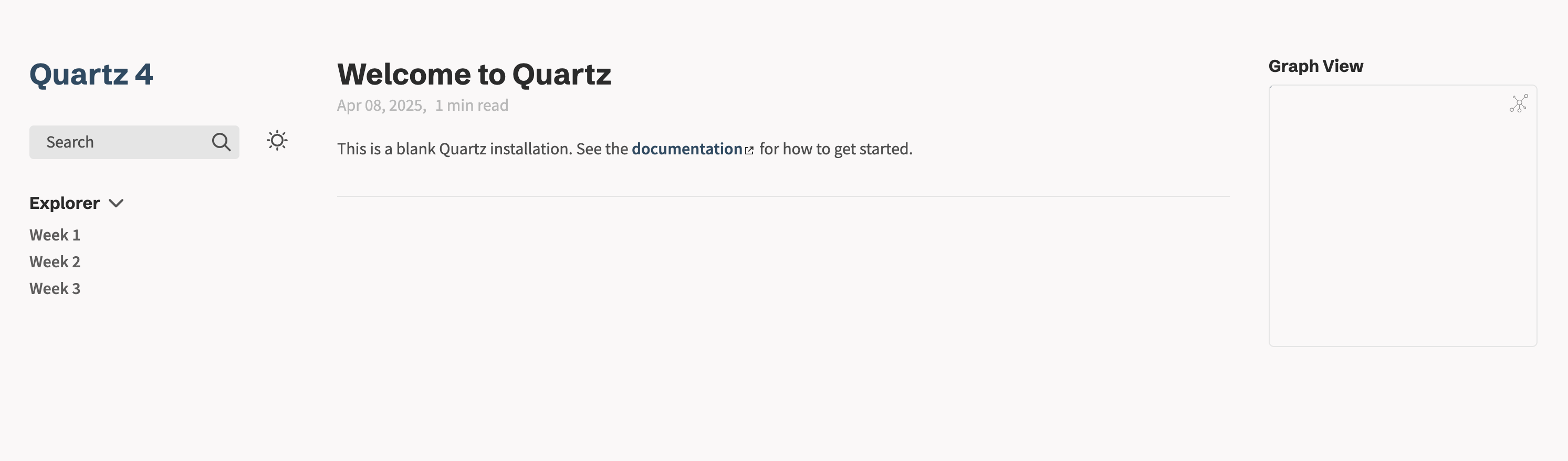
git remote -vgit remote set-url origin THE_URL_OF_YOUR_GITnpx quartz sync --no-pullWalla, now you have a website update in real time.
1.4 Learn Markdown within 10 minutes
https://learnxinyminutes.com/markdown
1.5 Why create your Website
- Document your learning process
- Codes to reuse
- Personal Knowledge Vault
Why I Made My Own Personal Documentation Site?
2. Take off 🛫
import { Checkbox } from ‘free-astro-components’
Installed the tools